 9fbee6cfeb
The release scripts don't really work, and there are a lot of manual steps that weren't documented. They are now.
7.7 KiB
WebTorrent Desktop
The streaming torrent app. For Mac, Windows, and Linux.



Install
Download the latest version of WebTorrent Desktop from the official website or the GitHub releases page.
WebTorrent Desktop is under very active development. You can try out the current (unstable) development version by cloning the Git repo. See the instructions below in the "How to Contribute" section.
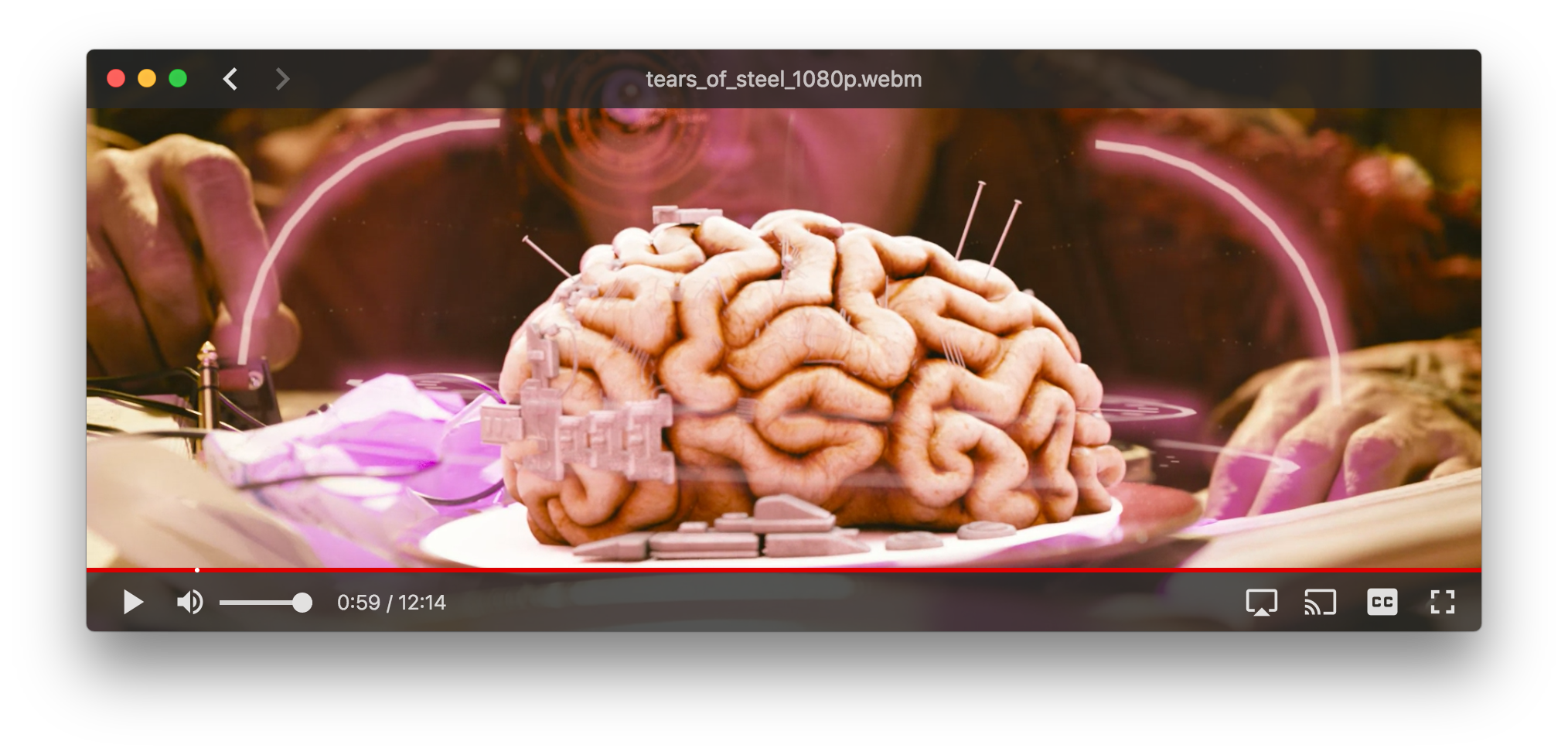
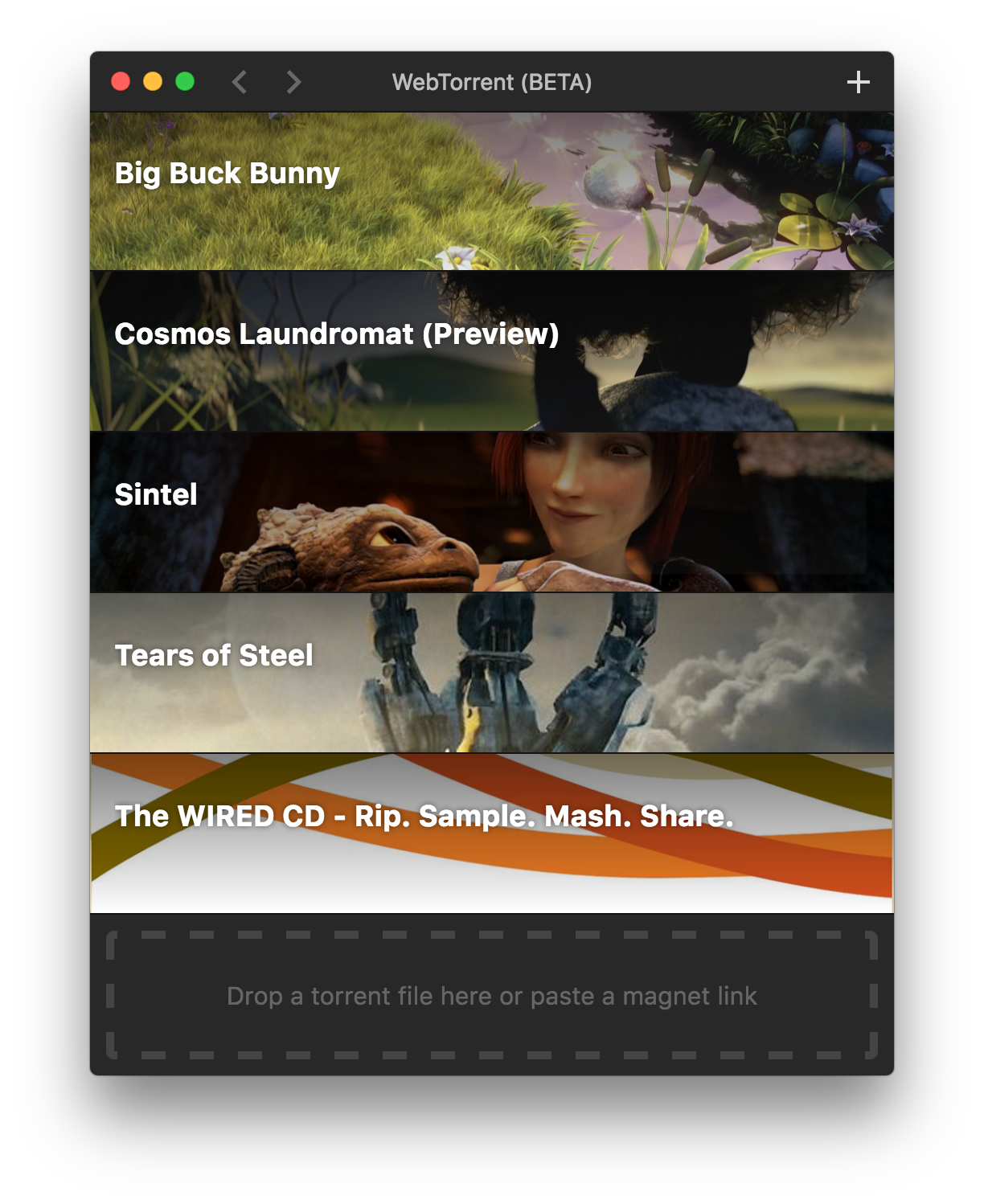
Screenshots
How to Contribute
Get the code
$ git clone https://github.com/feross/webtorrent-desktop.git
$ cd webtorrent-desktop
$ npm install
Run the app
$ npm start
Watch the code
Restart the app automatically every time code changes. Useful during development.
$ npm run watch
Run linters
$ npm test
Run integration tests
$ npm run test-integration
The integration tests use Spectron and Tape. They click through the app, taking screenshots and comparing each one to a reference. Why screenshots?
- Ad-hoc checking makes the tests a lot more work to write
- Even diffing the whole HTML is not as thorough as screenshot diffing. For example, it wouldn't catch an bug where hitting ESC from a video doesn't correctly restore window size.
- Chrome's own integration tests use screenshot diffing iirc
- Small UI changes will break a few tests, but the fix is as easy as deleting the offending screenshots and running the tests, which will recreate them with the new look.
- The resulting Github PR will then show, pixel by pixel, the exact UI changes that were made! See https://github.com/blog/817-behold-image-view-modes
For MacOS, you'll need a Retina screen for the integration tests to pass. Your screen should have the same resolution as a 2016 12" Macbook.
For Windows, you'll need Windows 10 with a 1366x768 screen.
When running integration tests, keep the mouse on the edge of the screen and don't touch the mouse or keyboard while the tests are running.
Package the app
Builds app binaries for Mac, Linux, and Windows.
$ npm run package
To build for one platform:
$ npm run package -- [platform] [options]
Where [platform] is darwin, linux, win32, or all (default).
The following optional arguments are available:
--sign- Sign the application (Mac, Windows)--package=[type]- Package single output type.deb- Debian packagezip- Linux zip filedmg- Mac disk imageexe- Windows installerportable- Windows portable appall- All platforms (default)
Note: Even with the --package option, the auto-update files (.nupkg for Windows,
-darwin.zip for Mac) will always be produced.
Windows build notes
The Windows app can be packaged from any platform.
Note: Windows code signing only works from Windows, for now.
Note: To package the Windows app from non-Windows platforms, Wine needs to be installed. For example on Mac, first install XQuartz, then run:
brew install wine
(Requires the Homebrew package manager.)
Mac build notes
The Mac app can only be packaged from macOS.
Linux build notes
The Linux app can be packaged from any platform.
Privacy
WebTorrent Desktop collects some basic usage stats to help us make the app better. For example, we track how well the play button works. How often does it succeed? Time out? Show a missing codec error?
The app never sends any personally identifying information, nor does it track which torrents you add.
Code Style

Release Procedure
1. Create a new version
-
Update
AUTHORSnpm run update-authorsCommit if necessary. The commit message should be "authors".
-
Write the changelog
You can use
git log --oneline <last version tag>..HEADto get a list of changes.Summarize them concisely in
CHANGELOG.md. The commit message should be "changelog". -
Update the version
npm version [major|minor|patch]This creates both a commit and a git tag.
-
Make a PR
Once the PR is reviewed, merge it:
git push origin <branch-name>:masterThis makes it so that the commit hash on master matches the commit hash of the version tag.
Finally, run:
git push --tags
2. Create the release binaries
-
On a Mac:
npm run package -- darwin --sign npm run package -- linux --sign -
On Windows, or in a Windows VM:
npm run package -- win32 --sign -
Then, upload the release binaries to Github:
npm run gh-releaseFollow the URL to a newly created Github release page. Manually upload the binaries from
webtorrent-desktop/dist/. Open the previous release in another tab, and make sure that you are uploading the same set of files, no more, no less.
3. Test it
This is the most important part.
- Manually download the binaries for each platform from Github.
Do not use your locally built binaries. Modern OSs treat executables differently if they've been downloaded, even though the files are byte for byte identical. This ensures that the codesigning worked and is valid.
-
Smoke test WebTorrent Desktop on each platform.
See Smoke Tests below for details. Open DevTools on Windows and Mac, and ensure that the auto updater is running. If the auto updater does not run, users will successfully auto update to this new version, and then be stuck there forever.
4. Ship it
-
Update the website
Create a pull request in webtorrent.io. Update
config.js, updating the desktop app version.As soon as this PR is merged, Jenkins will automatically redeploy the WebTorrent website, and hundreds of thousands of users around the world will start auto updating. Merge with care.
Smoke Tests
Before a release, check that the following basic use cases work correctly:
- Click "Play" to stream a built-in torrent (e.g. Sintel)
- Ensure that seeking to undownloaded region works and plays immediately.
- Ensure that sintel.mp4 gets downloaded to
~/Downloads.
- Check that the auto-updater works
- Open the console and check for the line "No update available" to indicate
- Add a new .torrent file via drag-and-drop.
- Ensure that it gets added to the list and starts downloading
- Remove a torrent from the client
- Ensure that the file is removed from
~/Downloads
- Create and seed a new a torrent via drag-and-drop.
- Ensure that the torrent gets created and seeding begins.
License
MIT. Copyright (c) WebTorrent, LLC.