 8af4f42c42
*  Skip forward 10 seconds ((CMD OR CTRL) ALT right)
 Skip back 10 seconds ((CMD OR CTRL) ALT left)
 Increase video speed ((CMD OR CTRL) +)
 Decrease video speed ((CMD OR CTRL) -)

* Codestyle fix

* The 'steps' should be implemented in base2, standard players use 1x, 2x, 4x, 8x, 16x

fixed bug with shift + "=" which is "+"

* resolve conflicts

* remove ide specific data
make playback rate more granular
add to menu skip and speed entries

* intendation fix

* conflict resolve

* rename setPlaybackRate to changePlaybackRate
setRate return boolean depending on whether this cast target supports setting the playback rate.
if setRate returns false - don`t change state
redundant else if statement in changePlaybackRate function

WebTorrent Desktop
The streaming torrent client. For OS X, Windows, and Linux.



Install
WebTorrent Desktop is still under very active development. You can download the latest version from the releases page.
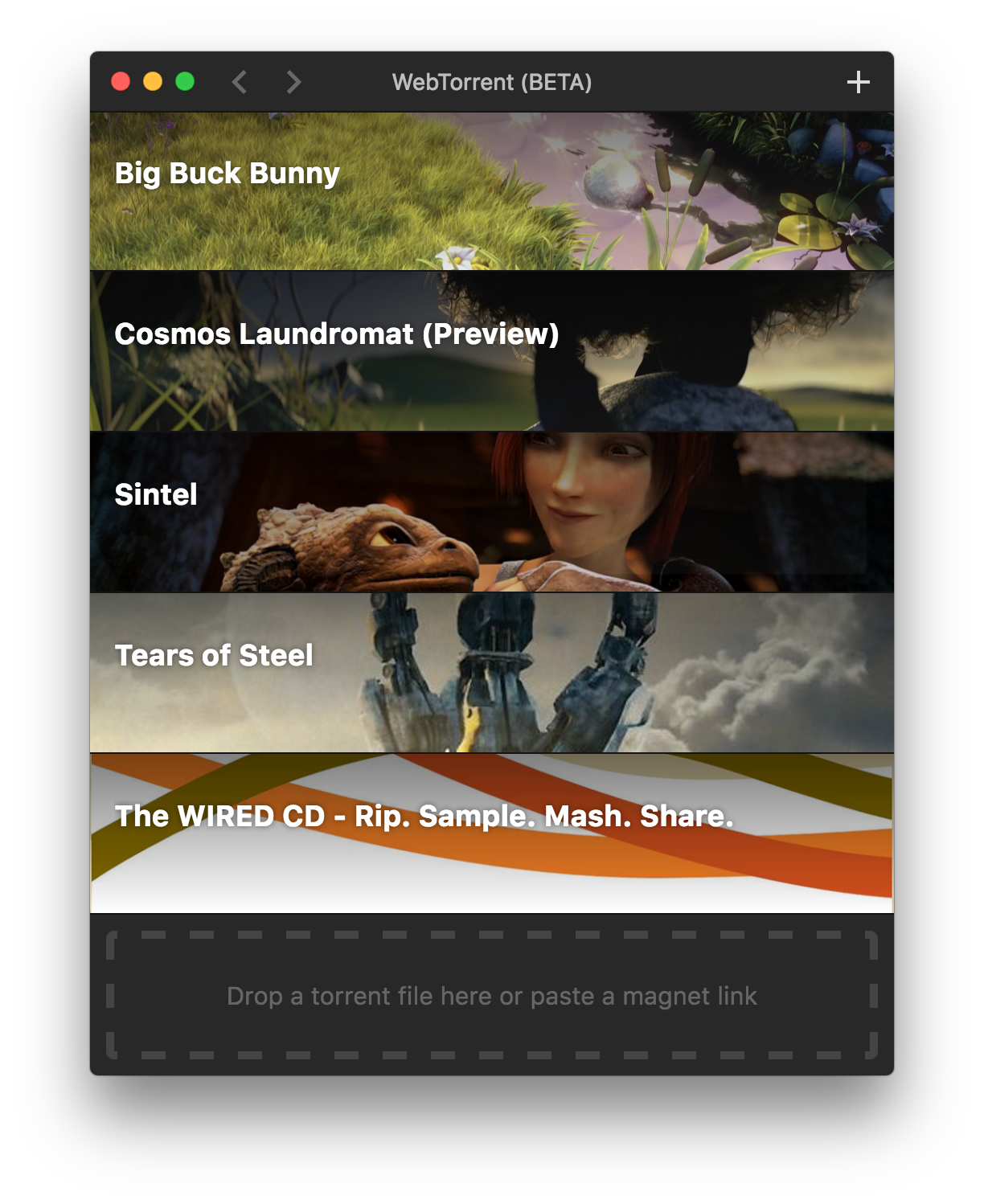
Screenshot
How to Contribute
Install dependencies
$ npm install
Run app
$ npm start
Package app
Builds app binaries for OS X, Linux, and Windows.
$ npm run package
To build for one platform:
$ npm run package -- [platform]
Where [platform] is darwin, linux, win32, or all (default).
The following optional arguments are available:
--sign- Sign the application (OS X, Windows)--package=[type]- Package single output type.deb- Debian packagezip- Linux zip filedmg- OS X disk imageexe- Windows installerportable- Windows portable appall- All platforms (default)
Note: Even with the --package option, the auto-update files (.nupkg for Windows, *-darwin.zip for OS X) will always be produced.
Windows build notes
To package the Windows app from non-Windows platforms, Wine needs to be installed.
On OS X, first install XQuartz, then run:
brew install wine
(Requires the Homebrew package manager.)
Code Style

License
MIT. Copyright (c) WebTorrent, LLC.