 77534d650a
Right now all Windows users are running a 32-bit app, even if their OS
is 64-bit.

Here's the plan to improve things:

1. We release a 64-bit installer, in addition to the 32-bit installer.

2. We auto-detect in the browser when a visitor is on a 32-bit vs.
64-bit OS and try to offer them the right installer. When in doubt, we
give them the 32-bit installer since that's safest.

3. The auto-updater will return the right binaries for the architecture
the user is on. This means that all our existing users who have 64-bit
OSs but are running the 32-bit app will get updated to the 64-bit app
on the next update. Also, 64-bit users who accidentally download the
32-bit installer will also get the 64-bit app on the next update.

---

Other notes:

- We don't generate 32-bit delta files. See reasoning inline.
- The package script now deletes extraneous Squirrel files (i.e.
*.nupkg delta files for older versions of the app) which should make
uploading the right files to GitHub easier. :)

The binary file naming works like this:

- Most users are on 64-bit systems, so they get nice clean file names
that don't specify an architecture (WebTorrentSetup-v1.0.0.exe). The
32-bit build files have the same naming but contain the string "-ia32"
at the end. In a few years, we will be able to just stop producing the
32-bit build files entirely.

- This means that the "WebTorrent-v0.15.0-linux-x64.zip" linux build
file is changing to "WebTorrent-v0.15.0-linux.zip" to match the Windows
naming convention. The .deb installer files must contain to
architecture in order to install correctly, so those do not change.

- Mac is 100% 64-bit, so it does not change.

WebTorrent Desktop
The streaming torrent app. For Mac, Windows, and Linux.



Install
Download the latest version of WebTorrent Desktop from the official website or the GitHub releases page.
WebTorrent Desktop is under very active development. You can try out the current (unstable) development version by cloning the Git repo. See the instructions below in the "How to Contribute" section.
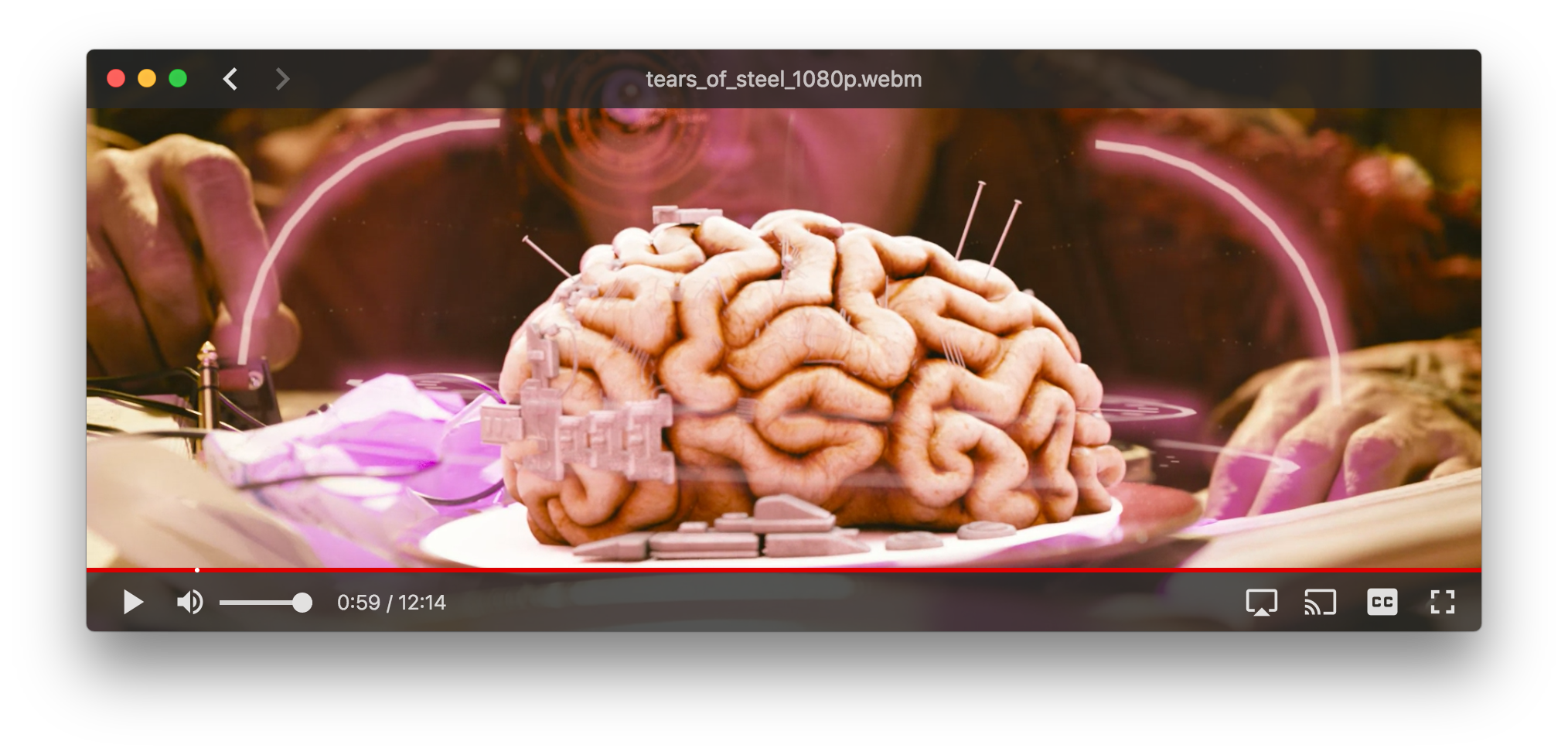
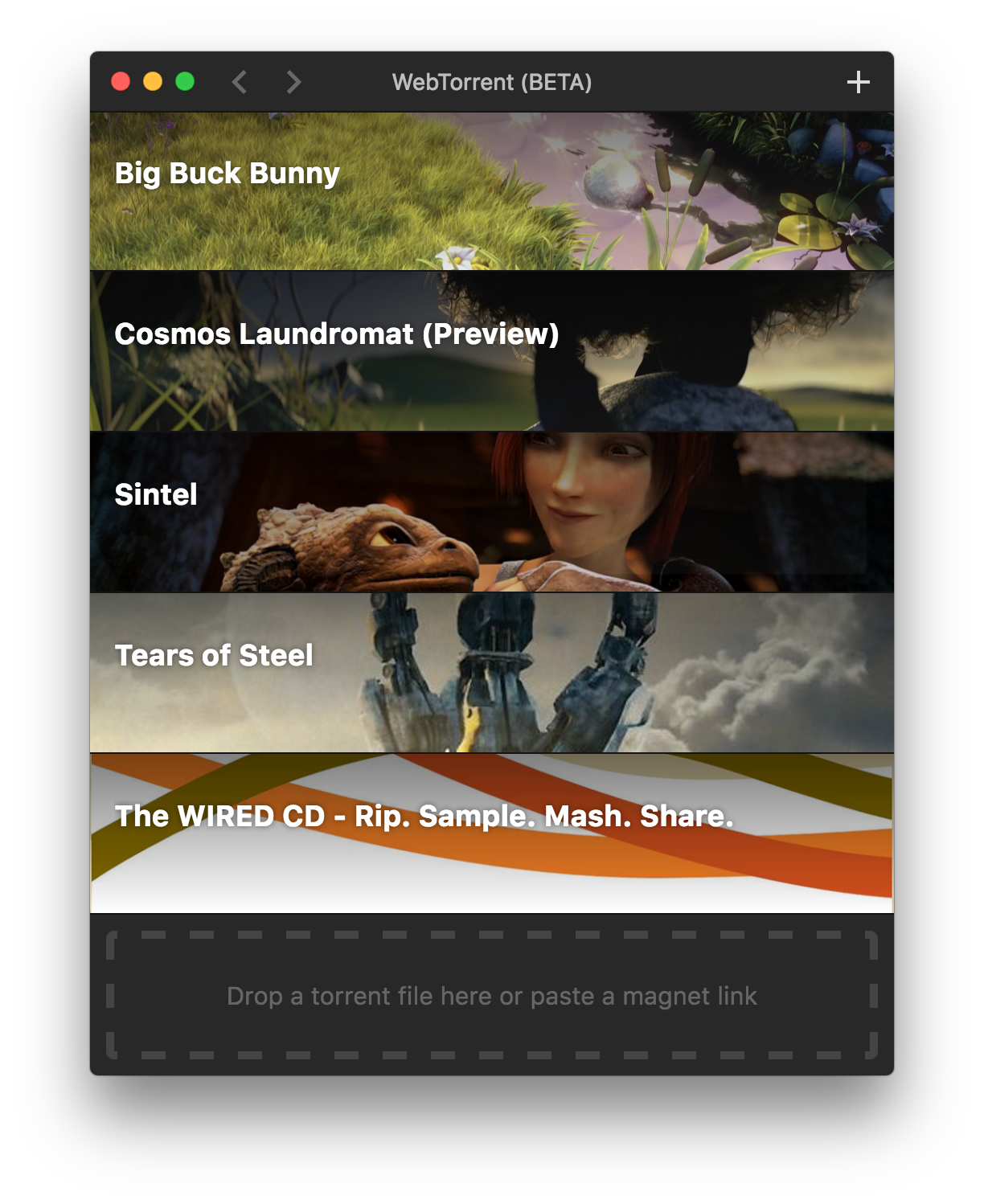
Screenshots
How to Contribute
Get the code
$ git clone https://github.com/feross/webtorrent-desktop.git
$ cd webtorrent-desktop
$ npm install
Run the app
$ npm start
Watch the code
Restart the app automatically every time code changes. Useful during development.
$ npm run watch
Package the app
Builds app binaries for Mac, Linux, and Windows.
$ npm run package
To build for one platform:
$ npm run package -- [platform] [options]
Where [platform] is darwin, linux, win32, or all (default).
The following optional arguments are available:
--sign- Sign the application (Mac, Windows)--package=[type]- Package single output type.deb- Debian packagezip- Linux zip filedmg- Mac disk imageexe- Windows installerportable- Windows portable appall- All platforms (default)
Note: Even with the --package option, the auto-update files (.nupkg for Windows,
*-darwin.zip for Mac) will always be produced.
Windows build notes
The Windows app can be packaged from any platform.
Note: Windows code signing only works from Windows, for now.
Note: To package the Windows app from non-Windows platforms, Wine needs to be installed. For example on Mac, first install XQuartz, then run:
brew install wine
(Requires the Homebrew package manager.)
Mac build notes
The Mac app can only be packaged from macOS.
Linux build notes
The Linux app can be packaged from any platform.
Privacy
WebTorrent Desktop collects some basic usage stats to help us make the app better. For example, we track how well the play button works. How often does it succeed? Time out? Show a missing codec error?
The app never sends any personally identifying information, nor does it track which torrents you add.
Code Style

License
MIT. Copyright (c) WebTorrent, LLC.