 2333171de7
* Many packager improvements; Windows signing!

* Windows signing works now! (Certs are on an external USB stick that
must be plugged into the build machine during build. We can't do the
same for OS X because certs need to exist in the login Keychain to be
found.)

Fixes #219

* Signing is now optional (so OS X and Windows contributors can run
`npm run package` without errors)

* zip, dmg, and deb arguments are now passed in as e.g. "--package=dmg"

* Print a huge warning when signing is disabled so we're less likely to
ship unsigned binaries to users.

* Make console.logs during packaging consistent and parallel
("creating..." followed by "created.")

* More aggressive signing warnings

* Warn when building OS X app on non-OS X platform (because signing
will never work on non-OS X platforms)
* Warn when building Windows app on non-Windows platform (because
signing doesn't work yet on non-Windows platforms)
WebTorrent Desktop
The streaming torrent client. For OS X, Windows, and Linux.



Install
WebTorrent Desktop is still under very active development. You can download the latest version from the releases page.
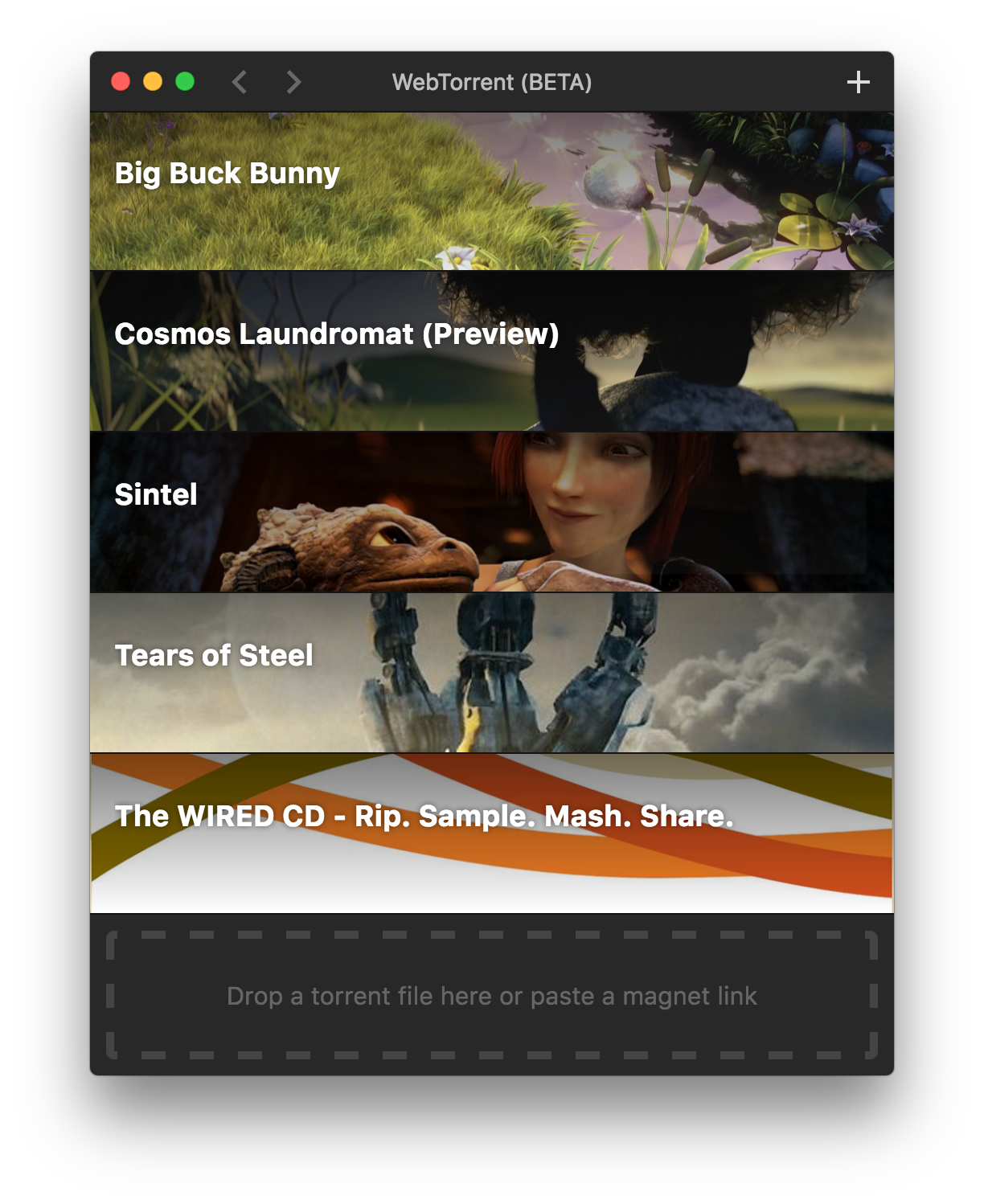
Screenshot
How to Contribute
Install dependencies
$ npm install
Run app
$ npm start
Package app
Builds app binaries for OS X, Linux, and Windows.
$ npm run package
To build for one platform:
$ npm run package -- [platform]
Where [platform] is darwin, linux, win32, or all (default).
The following optional arguments are available:
--package=[type]- Package only one output file.typeisdeb,dmg,zip, orall(default)--sign- Sign the application (OS X, Windows)
Windows build notes
To package the Windows app from non-Windows platforms, Wine needs to be installed.
On OS X, first install XQuartz, then run:
brew install wine
(Requires the Homebrew package manager.)
Code Style

License
MIT. Copyright (c) Feross Aboukhadijeh.