 12f9709601
* For now, the prefs page has just a single option, Downloads Folder
* For now, you can't type in a folder, you must use the chooser
* Further fixes coming om master
* Written by @ChrisMorrisOrg and @grunjol, rebased by @dcposch

WebTorrent Desktop
The streaming torrent client. For OS X, Windows, and Linux.



Install
WebTorrent Desktop is still under very active development. You can download the latest version from the releases page.
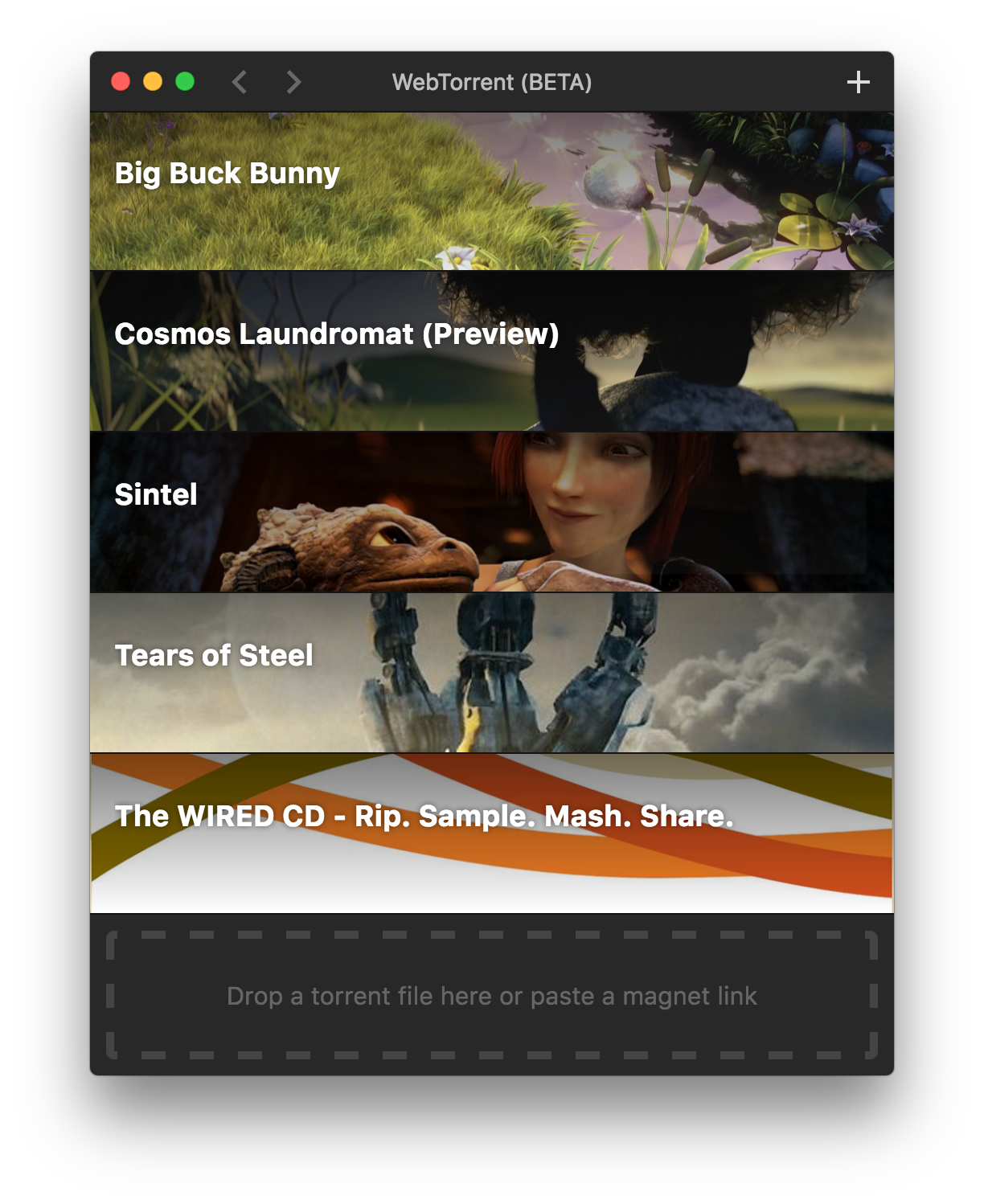
Screenshot
How to Contribute
Install dependencies
$ npm install
Run app
$ npm start
Package app
Builds app binaries for OS X, Linux, and Windows.
$ npm run package
To build for one platform:
$ npm run package -- [platform]
Where [platform] is darwin, linux, win32, or all (default).
The following optional arguments are available:
--sign- Sign the application (OS X, Windows)--package=[type]- Package single output type.deb- Debian packagezip- Linux zip filedmg- OS X disk imageexe- Windows installerportable- Windows portable appall- All platforms (default)
Note: Even with the --package option, the auto-update files (.nupkg for Windows, *-darwin.zip for OS X) will always be produced.
Windows build notes
To package the Windows app from non-Windows platforms, Wine needs to be installed.
On OS X, first install XQuartz, then run:
brew install wine
(Requires the Homebrew package manager.)
Code Style

License
MIT. Copyright (c) WebTorrent, LLC.