 969c784df4
* packager: call callbacks consistently

Before this, the callbacks would not being called, which would lead to
an incomplete build on non-OS X platforms when trying to build all for
all platforms.

* packager: Always produce OS X update file regardless of --package option

This makes it consistent with how the windows build always produces the
.nupkg autoupdate files

* packager: fix duplicate npm install

Move "npm prune && npm dedupe" into the release script. Remove an extra
"npm install"

* Make Windows portable app

When a folder named "Portable Settings" exists in same folder as
WebTorrent.exe, then use it instead of the default application config
path.

Closes #358

* packager: remove redundant signing warning

* cross platform zip function

* Set config file path to match config.CONFIG_PATH

* portable app: make electron settings portable

* portable: fix poster/torrent paths

* use cross-zip

* portable app: default download folder inside 'Portable Settings'
2.4 KiB
2.4 KiB

WebTorrent Desktop
The streaming torrent client. For OS X, Windows, and Linux.



Install
WebTorrent Desktop is still under very active development. You can download the latest version from the releases page.
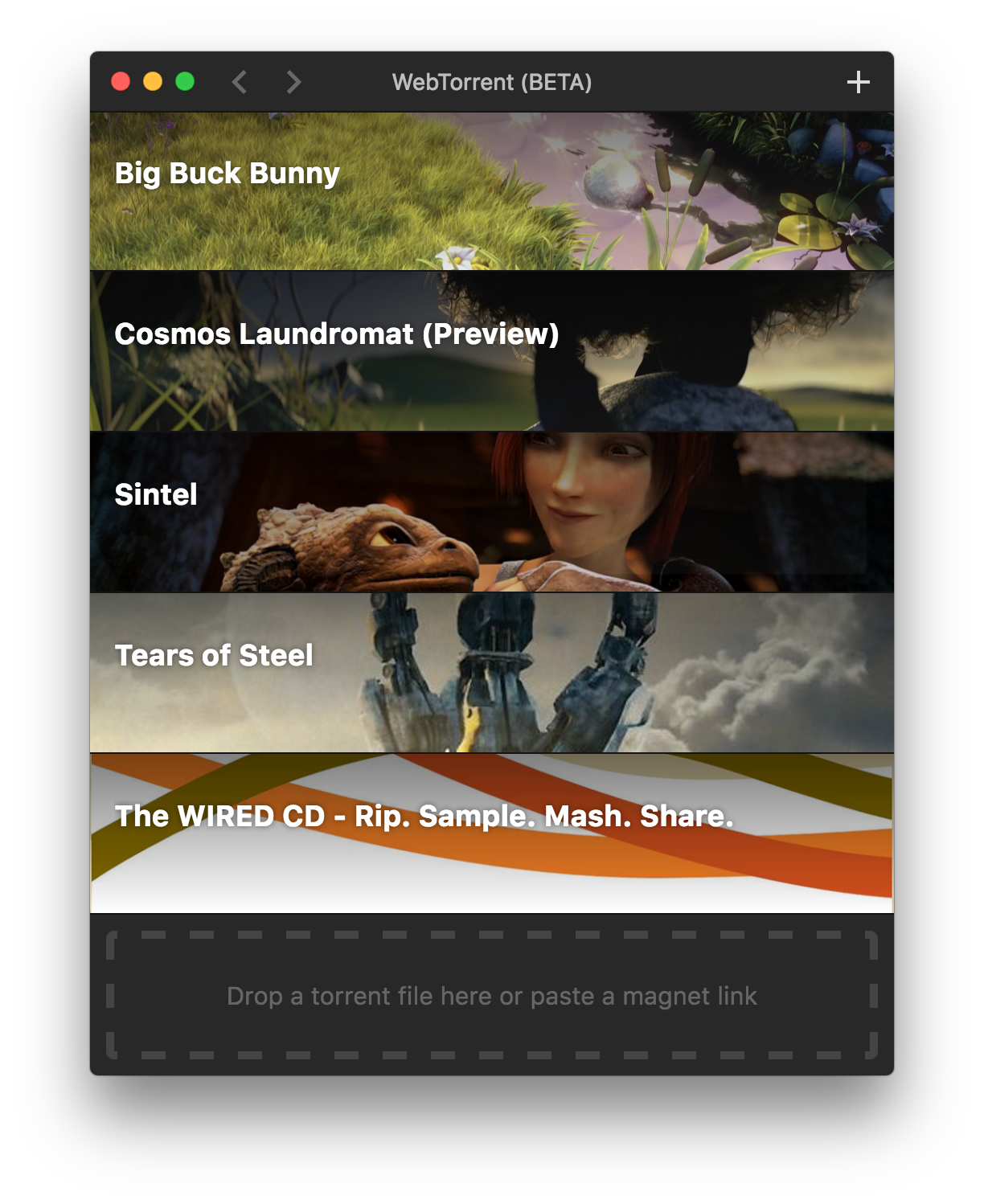
Screenshot
How to Contribute
Install dependencies
$ npm install
Run app
$ npm start
Package app
Builds app binaries for OS X, Linux, and Windows.
$ npm run package
To build for one platform:
$ npm run package -- [platform]
Where [platform] is darwin, linux, win32, or all (default).
The following optional arguments are available:
--sign- Sign the application (OS X, Windows)--package=[type]- Package single output type.deb- Debian packagezip- Linux zip filedmg- OS X disk imageexe- Windows installerportable- Windows portable appall- All platforms (default)
Note: Even with the --package option, the auto-update files (.nupkg for Windows, *-darwin.zip for OS X) will always be produced.
Windows build notes
To package the Windows app from non-Windows platforms, Wine needs to be installed.
On OS X, first install XQuartz, then run:
brew install wine
(Requires the Homebrew package manager.)
Code Style

License
MIT. Copyright (c) Feross Aboukhadijeh.